
Maintaining good posture at work is crucial for your overall health and productivity, and as a chiropractor, I believe that proper alignment is key to achieving that. You might be surprised by how small adjustments to your workspace and daily habits can lead to significant improvements in your comfort and well-being.
Let’s explore some effective strategies to enhance your posture and support your body throughout those long hours at your desk. Remember, chiropractic care is an excellent way to ensure your spine stays aligned, which can help alleviate pain and promote natural healing.
- Optimize Your Workspace: Ensure your chair supports your lower back and that your computer screen is at eye level. This will help keep your spine aligned and reduce strain on your neck and back.
- Incorporate Movement: Taking short breaks to stand, stretch, or walk can make a world of difference. Movement helps keep your muscles engaged and promotes blood flow, which is essential for a healthy spine.
- Practice Mindful Sitting: Be aware of your sitting posture. Keep your feet flat on the floor, your back straight, and your shoulders relaxed. This simple awareness can prevent slouching and reduce tension in your spine.
- Strengthen Your Core: A strong core supports your spine and helps maintain good posture. Simple exercises like planks and bridges can strengthen these muscles, contributing to overall spinal health.
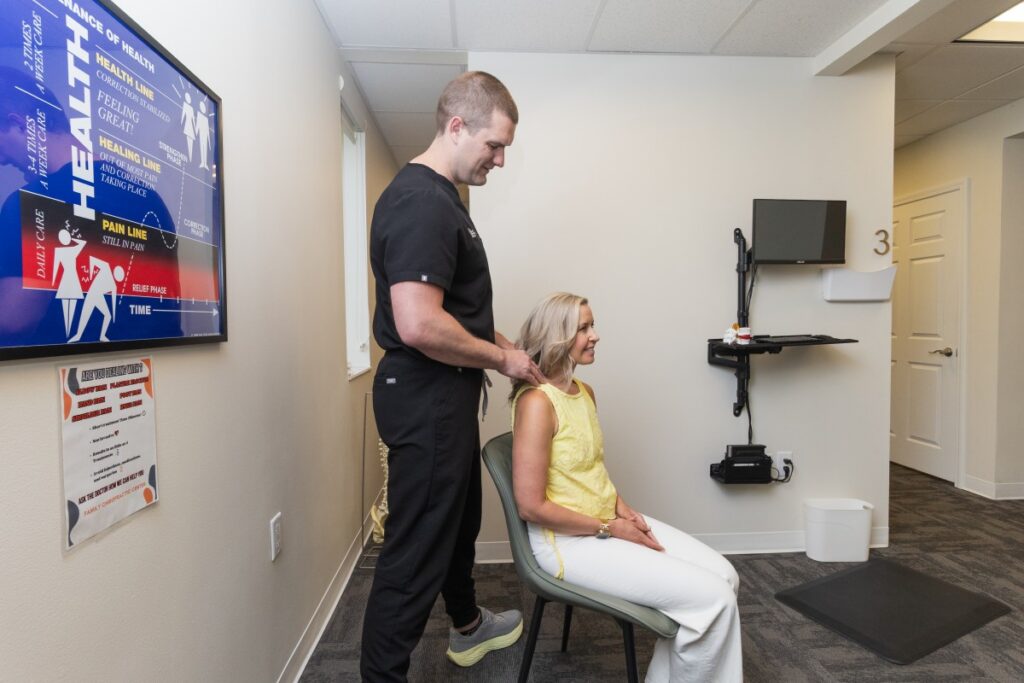
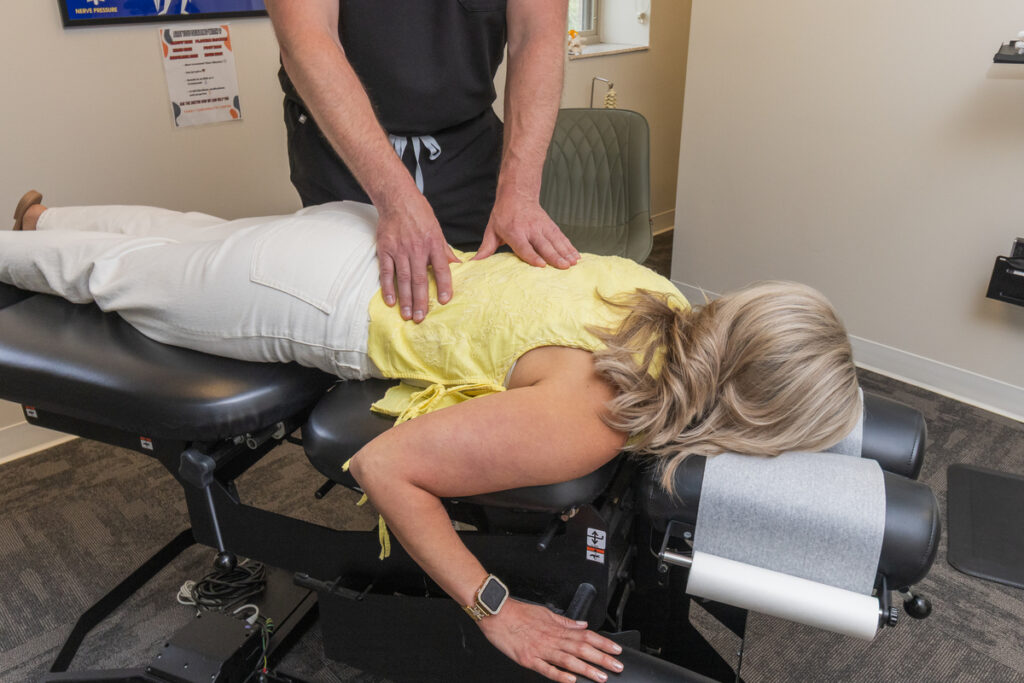
- Seek Chiropractic Care: Regular visits to a chiropractor can help ensure that your spine is in optimal alignment. This not only aids in pain relief but also enhances your overall wellness, allowing you to work more comfortably and efficiently.
By implementing these tips and considering chiropractic care as part of your wellness routine, you can create a healthier work environment that fosters both comfort and productivity. Remember, your spine is the foundation of your health—taking care of it is essential for a pain-free life.
Key Takeaways
5 Tips for Improved Posture at Work
- Adjust Your Chair Height: Ensure your chair is set so your knees are at or slightly below hip level. This simple adjustment can significantly reduce lower-back strain and promote a healthier spinal alignment.
- Monitor Placement: Position your computer monitor at eye level and about an arm’s length away. This helps maintain a neutral spine and reduces the risk of neck and back discomfort, allowing your body to function optimally.
- Keyboard and Mouse Positioning: Keep your keyboard and mouse within easy reach to allow for 90-degree bends in your elbows. This positioning helps prevent strain on your shoulders and wrists, which is essential for maintaining overall spinal health.
- Take Breaks to Move: Remember to stand up and move around at least once every hour. This not only relieves tension but also promotes circulation throughout your body. Movement is key to maintaining a healthy spine and preventing stiffness.
- Incorporate Core-Strengthening Exercises: Introducing core-strengthening exercises, such as planks and bridges, into your routine can significantly support better posture. A strong core is vital for spinal stability and can enhance the benefits of chiropractic care.
By implementing these tips, you can take proactive steps toward better posture and overall health. As a chiropractor, I can help guide you on your journey to optimal wellness through natural healing methods and personalized care. Remember that maintaining good posture is a crucial aspect of spinal health, and chiropractic care is an excellent way to support your body’s natural healing processes.
Adjust Your Workspace Ergonomics
As a chiropractor, I understand that many of you spend countless hours at your desk, and the way you set up your workspace can greatly impact your spinal health and overall comfort. By making some simple adjustments, you can create an ergonomic workspace that not only promotes better posture but also helps alleviate discomfort and tension.
First, let’s talk about your chair. It’s important to ensure that your chair is at the right height so that your feet rest flat on the floor, with your knees positioned at or slightly below hip level. This alignment helps support your lower back, which is crucial for maintaining a healthy spine. If you find that your chair lacks lumbar support, consider using a lumbar cushion to provide extra support for your lower back.
Next, the height of your desk and monitor is critical. Your screen should be at eye level and about an arm’s length away. This positioning helps to reduce neck strain and keeps your spine in a neutral position. When it comes to your keyboard and mouse, make sure they’re close enough so that you can use them comfortably with your elbows bent at a 90-degree angle. This will help prevent unnecessary strain on your wrists and shoulders.
Good lighting is also essential for reducing glare and eye strain, which can lead to headaches and discomfort. Make sure your workspace is well-lit to promote a more comfortable working environment.
Take Regular Breaks and Stretch
Even with an ergonomic workspace, sitting for long periods can still lead to stiffness and discomfort. This is where incorporating regular breaks and stretching becomes essential for maintaining good posture and overall well-being at work. As your local chiropractor, I can’t stress enough how important it’s to listen to your body and take those breaks. Set a timer to remind yourself to stand up and move around at least once every hour, and during those moments, focus on stretches that can help alleviate tension and improve circulation.
Here are some effective stretches you can try during your breaks to support your spinal health and overall wellness:
- Neck Rolls: Gently roll your head from side to side. This helps to release tension in the neck area, promoting better alignment and reducing discomfort.
- Shoulder Shrugs: Lift and lower your shoulders in a rhythmic motion. This simple movement eases tightness and helps to keep the upper body relaxed, which is crucial for spinal health.
- Wrist Stretches: Extend your arms out in front of you and flex your wrists. This can combat stiffness, especially if you spend a lot of time at a computer, and helps maintain mobility in your upper extremities.
- Torso Twists: Stand up and gently rotate your upper body from side to side. This stretch is excellent for maintaining flexibility in your spine and relieving tension that accumulates from prolonged sitting.
Strengthen Core Muscles
Strengthening your core muscles is vital for maintaining good posture and overall spinal health, especially during long hours at work. A strong core supports your spine, allowing you to sit upright comfortably without unnecessary strain. You don’t need expensive gym equipment to build your core; simple exercises can be incredibly effective. Incorporate movements like planks, bridges, and seated leg lifts into your routine, and even consider doing these during short breaks at work. These exercises engage your abdominal muscles and enhance your stability, which is essential for preventing discomfort.
Aim to include core workouts in your routine at least two to three times a week. Additionally, throughout your workday, take a moment to stand up and perform a few gentle twists or side bends. These quick movements can help keep your muscles engaged and combat stiffness, promoting better alignment and reducing the risk of pain.
Be Mindful of Your Sitting Posture
Be Mindful of Your Sitting Posture for Optimal Health
As a chiropractor, I want to emphasize the importance of your sitting posture—not just for comfort, but for your overall health and well-being. Many people overlook how their posture can impact their spine and lead to discomfort or long-term issues. By being mindful of how you sit throughout the day, you can help support your spine and maintain your health.
Here are some simple tips to help you achieve good sitting posture:
- Feet Flat on the Floor: Make sure your feet are flat on the ground or on a footrest. This position helps stabilize your lower back and promotes proper alignment.
- Knees at Hip Level: Adjust your chair so that your knees are at or slightly below hip level. This helps reduce strain on your lower back and encourages better circulation.
- Back Against the Chair: Sit all the way back in your chair, allowing your lower back to be supported. Keep your shoulders relaxed to prevent tension in your neck and upper back.
- Computer Screen at Eye Level: Position your computer screen at eye level to avoid craning your neck. This simple adjustment can significantly reduce neck strain.
Remember, good sitting posture is a crucial step in maintaining a healthy spine. If you find yourself experiencing discomfort or pain, chiropractic care can be an effective solution. It focuses on natural healing and wellness, helping your body function at its best without the need for medications or surgeries.
Use Supportive Accessories
To enhance your sitting posture and overall spinal health, it’s important to consider supportive accessories that promote comfort and alignment. A quality chair cushion can be a game changer, as it alleviates pressure on your lower back, making it easier to maintain a healthy posture throughout the day. Look for cushions with lumbar support that help encourage your spine’s natural curve, which can significantly reduce discomfort.
If you find yourself typing for long periods, wrist rests can be a wonderful addition to your workspace. They help minimize strain on your wrists and promote a more neutral hand position, reducing the risk of repetitive stress injuries. Additionally, using a footrest can help keep your feet flat on the ground, preventing slouching and promoting better blood circulation, which is essential for overall health.
Another option to consider is a standing desk. These desks allow you to alternate between sitting and standing, which can help mitigate the negative effects of sitting for extended periods. This simple change can contribute to better posture and energy levels.
Conclusion
By following these tips, you can significantly enhance your posture at work and alleviate discomfort, which is vital for your spinal health. Start by adjusting your workspace ergonomics—ensure your chair supports your lower back and that your computer screen is at eye level. Taking regular breaks to stretch and move around is crucial; it helps prevent stiffness and encourages better alignment of the spine. Strengthening your core muscles is another powerful way to support your posture; consider incorporating simple exercises into your routine.
Pay attention to how you sit throughout the day. Maintaining a neutral spine position is key, and using supportive accessories, such as lumbar rolls or ergonomic chairs, can greatly enhance your comfort. Remember, these small adjustments can lead to a healthier spine and overall well-being. Embracing these strategies not only improves your posture but also promotes natural healing and wellness.
If you find that discomfort persists, consider seeking chiropractic care. A chiropractor can provide personalized guidance and adjustments to help you achieve optimal health and pain relief. Start implementing these strategies today for a healthier work environment and a happier spine!